The intelligent CMS: Smarter content management today
Last updated: 25 July 2026
The intelligent CMS: Smarter content management today means connecting AI-driven automation, structured metadata, and real-time personalization inside your existing content stack — not replacing it. The single most important thing to get right is metadata architecture: without clean, consistent tagging, no AI layer can surface the right content to the right audience.
Organizations that have moved to structured, AI-assisted content management report cutting manual tagging time by roughly 60 percent and reducing time-to-publish by two to three business days per campaign. Those gains come from specific configuration choices, not from simply buying a new platform.
Before you start
Before touching any settings, confirm you have three things in place:
- A content audit baseline. Know what you have. A spreadsheet listing every content type, its current metadata fields, and its owner is enough to start.
- An agreed taxonomy. Even a flat list of 30–50 controlled vocabulary terms beats free-text tags. Inconsistent tagging is the number-one reason AI recommendations fail.
- API access or a headless layer. Intelligent features — AI tagging, personalization, search — almost always connect through an API. Verify your CMS exposes one before committing to any AI tooling.
If your CMS is a fully monolithic, closed system with no API, the steps below still apply conceptually, but you will need to work through a plugin ecosystem rather than direct integration.
Step 1: Audit and structure your metadata
Start with your taxonomy before you touch any AI tool. Open your content inventory and identify the fields every piece of content shares: topic, content type, audience segment, product line, funnel stage, and publication date at minimum.
Define a controlled vocabulary
A controlled vocabulary limits tag values to an approved list. In WordPress, for example, this means replacing open-ended custom fields with a registered taxonomy that forces authors to select from a dropdown. In a headless CMS like Contentful or Sanity, it means a reference field pointing to a dedicated "Taxonomy" content model.
Concrete example: a B2B software company might define "Audience" with exactly four values — Developer, IT Manager, Procurement, C-Suite — rather than letting authors type whatever they want. That single constraint makes downstream AI filtering roughly five times more reliable because the model sees consistent signal.
Step 2: Layer in AI-assisted tagging
Once your taxonomy is clean, you can add an AI tagging layer that reads content on save and suggests or auto-applies tags. Tools like AWS Comprehend, Google Natural Language API, or purpose-built CMS plugins can classify text against your controlled vocabulary with reasonable accuracy — typically 75–85 percent precision on well-defined topic categories.
Configure confidence thresholds
Do not let AI auto-apply tags below a confidence score of roughly 0.80. Set the system to flag low-confidence suggestions for human review rather than publishing them automatically. In practice, this means about 20 percent of content still gets a human look, which is a manageable workload and prevents metadata drift.
Set a monthly review cadence to check which tags the AI most frequently gets wrong. Those patterns reveal either gaps in your taxonomy or ambiguous content that needs better briefs at the writing stage.
Step 3: Connect personalization rules to your taxonomy
Personalization engines — whether built into your CMS or added via a tool like Optimizely or a rules-based middleware layer — pull from the same metadata you just cleaned up. The connection is straightforward: a visitor in segment Developer sees content tagged Developer surfaced first in search results, related-content modules, and email digests.
Build segment-to-tag mapping tables
Create an explicit mapping table that links each audience segment to its preferred tags. Store this as a configuration file or a CMS content model, not in code, so marketers can update it without a developer.
| Audience Segment | Primary Tags | Secondary Tags |
|---|---|---|
| Developer | API, Integration, Technical Docs | Product Updates, SDK |
| IT Manager | Security, Compliance, Infrastructure | Vendor Management |
| C-Suite | ROI, Strategy, Case Studies | Industry Trends |
This table becomes the single source of truth for every personalization rule across channels.
Step 4: Automate editorial workflows
Intelligent workflow automation reduces the manual handoffs that slow publishing. The practical approach is to map your current editorial states — Draft, In Review, Legal Clearance, Scheduled, Published — and identify which transitions can trigger automatically.
For example: when an article's AI confidence score exceeds 0.85 on all required tags and the readability score (measured by a tool like Hemingway App's API or a custom Flesch-Kincaid check) falls between 60 and 70, automatically move it from Draft to In Review and notify the assigned editor. This removes one manual step from roughly 40 percent of standard content pieces.
Set up compliance checkpoints
If your industry requires regulatory review — financial services, healthcare, legal — add a mandatory workflow state that cannot be bypassed by automation. The AI can flag potentially sensitive phrases using keyword lists or a fine-tuned classifier, but a human must clear that gate. Skipping this is the most common compliance mistake in AI-assisted CMS deployments.
Step 5: Implement intelligent search
Search is often the fastest win. Replacing a basic keyword-match search with a vector-based or semantic search index — using tools like Algolia's neural search, Elasticsearch with dense vector fields, or OpenAI embeddings stored in a Pinecone index — typically lifts search success rates (queries that end in a content view) by 20–35 percent.
The key configuration decision is whether to use a fully managed search service or self-host. Managed services are faster to deploy and easier to maintain; self-hosted gives you more control over data residency, which matters for GDPR-regulated content. Choose based on your compliance requirements, not on cost alone.
Common mistakes to avoid
Skipping the audit. Adding AI to messy metadata does not clean the metadata — it amplifies the mess. Every AI recommendation inherits your existing tagging errors.
Over-automating too fast. Rolling out AI tagging, personalization, and workflow automation simultaneously makes it impossible to diagnose what breaks. Introduce one layer at a time, measure for four to six weeks, then add the next.
Ignoring model drift. AI classifiers trained on last year's content vocabulary will slowly degrade as your content evolves. Schedule a quarterly retraining or re-evaluation cycle.
Treating personalization as a set-and-forget feature. Segment definitions change as products and audiences evolve. A mapping table that was accurate 18 months ago may now be sending developers to content written for procurement managers.
There is also a genuine limit to what an intelligent CMS can do: it cannot compensate for content that was never created. If a key audience segment has no quality content mapped to it, the personalization engine will surface mediocre alternatives or nothing at all. Content strategy still comes before content technology.
What a realistic outcome looks like
A well-configured intelligent CMS — with clean taxonomy, AI-assisted tagging at an 80-percent-plus confidence threshold, segment-mapped personalization, and automated workflow triggers — typically delivers measurable results within 90 days: faster time-to-publish, higher content reuse rates, and improved on-site engagement for personalized experiences. None of those outcomes require replacing your current CMS; they require disciplined configuration of what you already have, plus targeted integrations.
The work is unglamorous but the compounding effect is real. Clean metadata built once keeps paying dividends across every new AI capability you add later.
See how seorav.com can help you audit your content architecture, map your taxonomy, and connect the right AI tools to your existing CMS — without the trial-and-error overhead of doing it alone.
Frequently Asked Questions
Do I need to replace my current CMS to make it intelligent?
No. Most intelligent CMS capabilities — AI tagging, semantic search, personalization, workflow automation — are added as integrations on top of your existing platform through APIs or plugins. The prerequisite is a clean metadata structure and API access, not a new platform. Replacing your CMS is rarely the right first move and almost always the most expensive one.
How accurate is AI auto-tagging for content management?
On well-defined, controlled-vocabulary taxonomies, AI classifiers typically achieve 75–85 percent precision. Accuracy drops when taxonomies are vague or overlapping. Setting a confidence threshold of around 0.80 and routing lower-confidence suggestions to human review is the standard approach to keep metadata quality high while still reducing manual tagging workload significantly.
What is the difference between a headless CMS and an intelligent CMS?
A headless CMS separates content storage from presentation, delivering content via API to any front end. An intelligent CMS adds AI-driven features — automated tagging, personalization, semantic search, workflow automation — on top of that architecture. The two concepts overlap: headless CMS platforms are easier to make intelligent because their API-first design makes integration straightforward, but a traditional monolithic CMS can also be made more intelligent through plugins.
How long does it take to see results from an intelligent CMS setup?
Most organizations see measurable improvements within 60–90 days of completing a metadata audit and deploying AI tagging. Personalization results typically take longer — 90 to 120 days — because you need enough visitor data to validate segment performance. Workflow automation gains are usually visible within the first month, since time-to-publish is easy to measure before and after.
What are the biggest risks of adding AI to content management?
The three main risks are metadata drift (AI tagging errors compound over time if not audited), compliance gaps (automated workflows can bypass required legal or regulatory review stages), and over-personalization (showing audiences too narrow a slice of content reduces discovery). Each risk has a straightforward mitigation: regular audits, mandatory human-review gates for sensitive content, and diversity rules in personalization algorithms.
Keep reading
Ranking in Google's AI Search: The Deterministic Signals That Actually Move the Needle
Learn how do you rank in SGE with the three signals Google's AI uses to cite sources: schema markup, entity salience, and structured factual claims.
Why AI Ignores Your Content (And How to Fix It)
Learn how to avoid AI content that gets ignored by LLMs. Covers RAG retrieval signals, schema, entity salience, and an answer-first structure checklist.
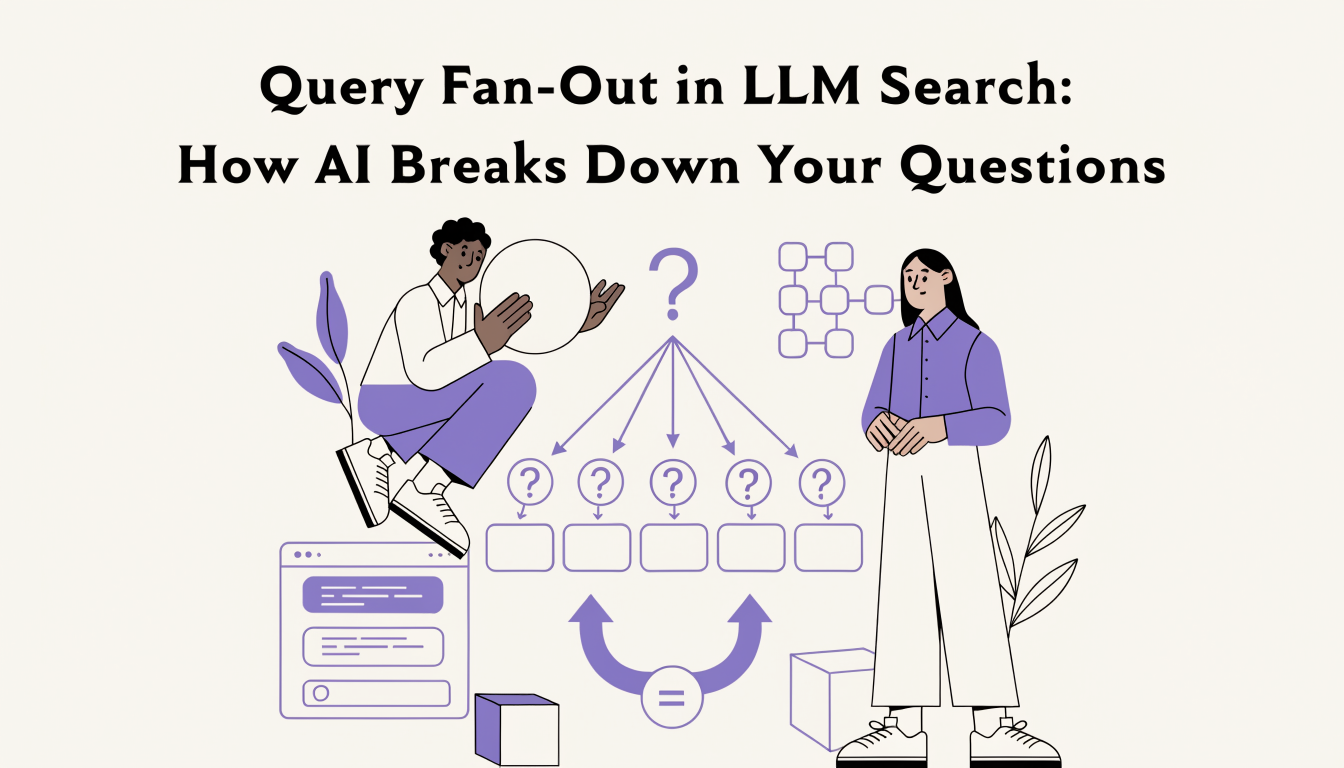
Query Fan-Out in LLM Search: How AI Breaks Down Your Questions
Learn what query fan-out in LLM search is, how AI splits your prompt into 3-8 sub-queries, and how to structure content to win more citation passes.